
Interacting with the graph
Beyond the toolbar panels, the graph itself responds directly to the mouse.
Click a note to open it
Clicking any node opens that note in the editor - the same convention as Obsidian's own core Graph View.
Hover to highlight connections
Hovering a node highlights it and its direct neighbors, dims everything else, and always shows the hovered node's own label (a neighbor's label only shows if it would normally fit at the current zoom).
Drag to pin a note
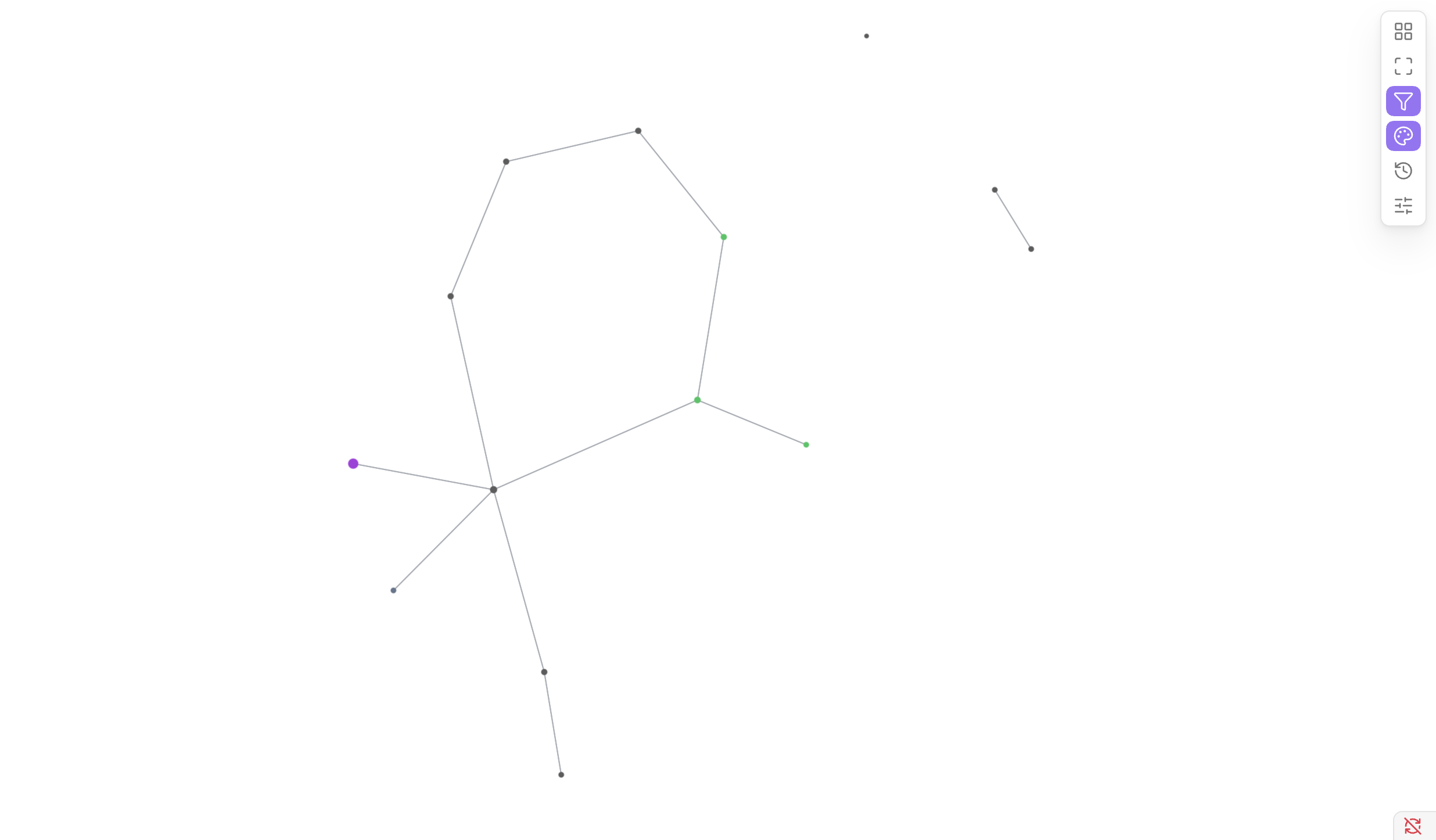
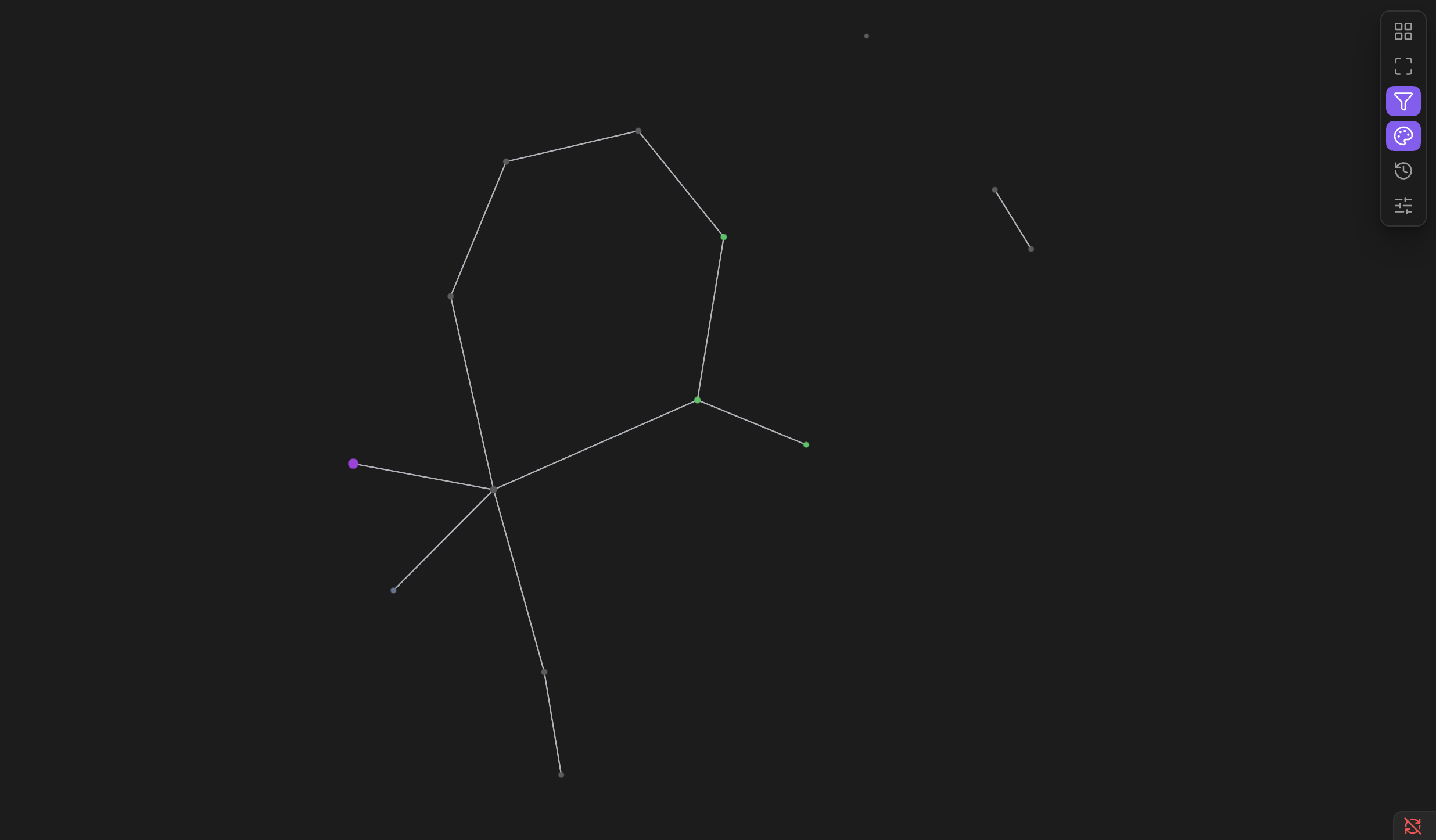
In Force layout, dragging a note fixes it at the position you drop it - its neighbors visibly readjust around the new position for a moment, rather than the whole graph re-settling from scratch. A pinned note stays put across reopening the graph view or reloading the plugin, and survives switching to another layout and back to Force.
Manage every pinned note at once from the Appearance panel's "Pinned node positions" section - it shows how many are pinned, with a "Clear all" button.
Pinning has no effect in Hierarchical, Radial, or Circular layout - each of those computes every note's position fresh from the graph structure, with no per-note "leave this one alone" concept.
The graph follows the note you're working on
Whichever note is currently open - in this pane or any other, including a split view - gets a ring around it in the graph, and the camera smoothly pans over to keep it in view. Switch notes, and the graph follows along, the same way Obsidian's own core Graph View keeps its own highlight in sync.