
🧠
Understand, not just visualize
Betweenness, PageRank, community detection, and connected-component analysis surface bridge notes, prominent notes, and topic communities - not just a nicer drawing of your links.
Betweenness, PageRank, community detection, and semantic clustering, plus smart filters that show how your notes actually connect - not just another way to draw the graph.
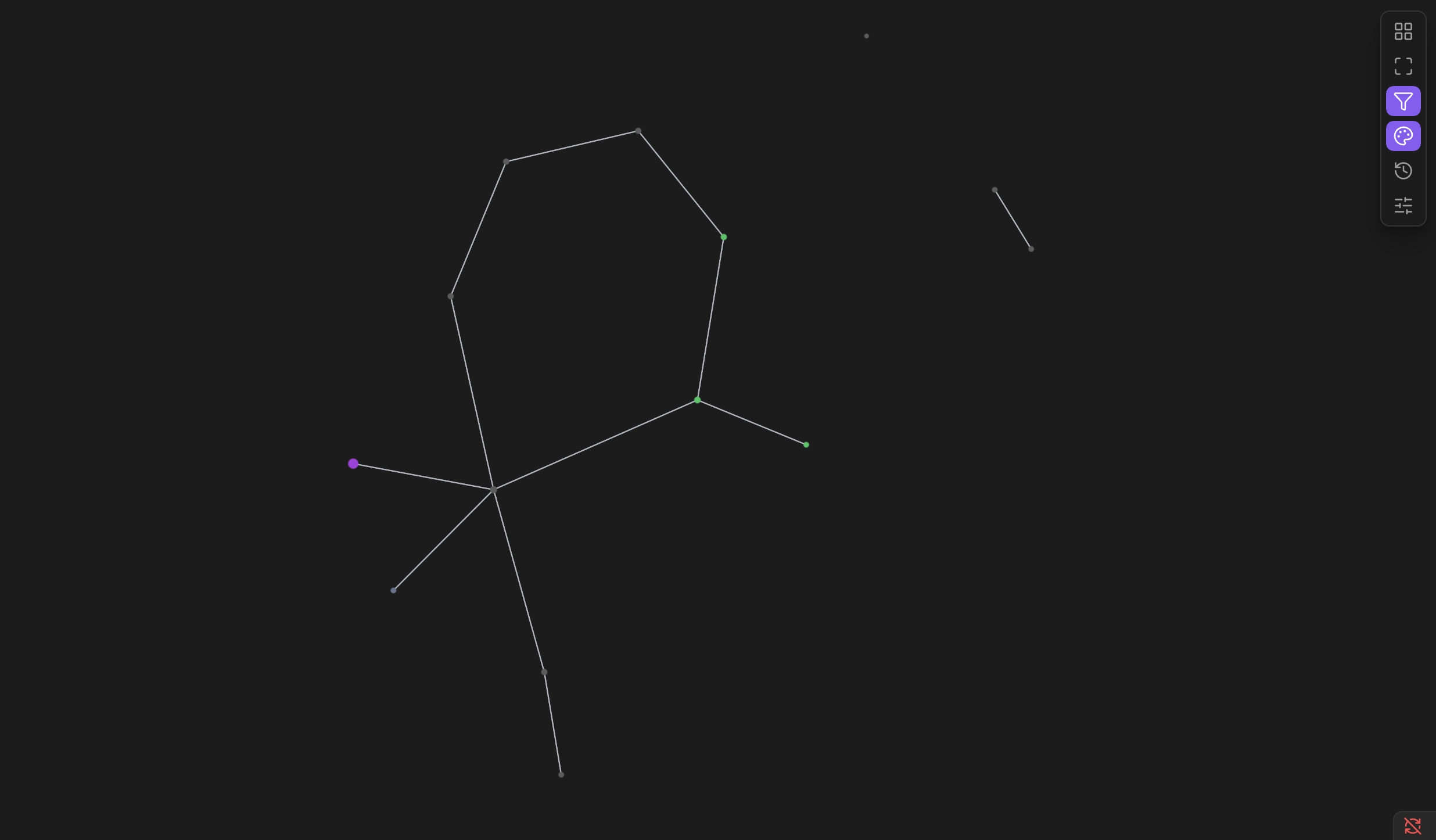
Betweenness, PageRank, community detection, and connected-component analysis surface bridge notes, prominent notes, and topic communities - not just a nicer drawing of your links.
Semantic clustering reads every note's own content with a local embedding model and groups notes that are about the same thing, even if nothing links them to each other.
One panel flags orphaned notes, broken links, isolated clusters, and communities scattered across mismatched folders - each one click away from "show me on the graph," with a soft glow marking exactly which notes belong together.
Build filters from tags, properties, folder, filename, text, link count, edit recency, activity, structure, bridging, prominence, connectivity, community, or semantic cluster - invert any of them, combine several with either/or logic.
The same criteria as filtering, applied as named, colored groups instead - so "everything tagged
Force-directed, Hierarchical, Radial, or Circular for the whole vault - trace the actual route between two notes, or focus in on just one note and its neighborhood, hops away.
Save your current filters, coloring, layout, and focus as a named view - one click restores the exact same combination later.
The Timeline panel replays notes and links in the order they were created, at a duration and pace you pick.
Node/edge size, color, physics, edge shape, and label density are all adjustable while watching the graph react immediately.
Click a node to open that note, hover to highlight its connections, drag a note to pin it exactly where you want it.