
Color & size
Click the Color & size toolbar icon to color and resize notes into named groups - the same criteria Filter uses, applied to change how matching notes look instead of hiding non-matches.
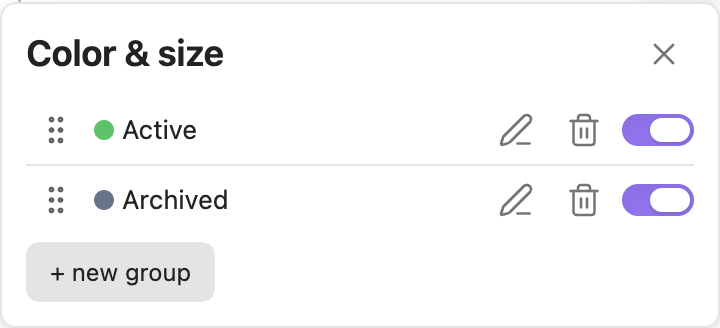
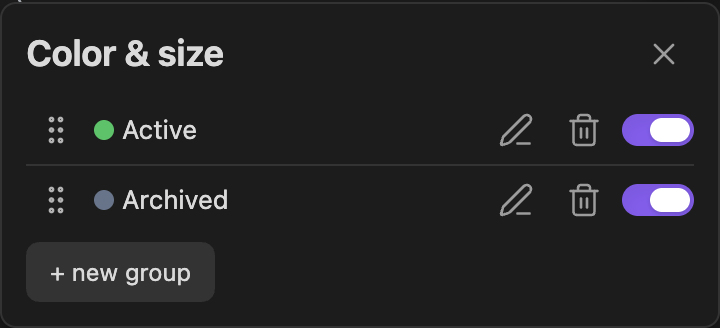
Creating a group
Click "+ new group", pick a color, give it a name, and add criteria the same way as Filter: Text, Tag, Property, Folder, Filename, Not edited at least, Activity, Structure, Bridging, Prominence, Connectivity, Community, Semantic cluster, Minimum number of links, Node type - each with its own include/exclude word. See Filter's criteria section for exactly what each one matches - Community and Semantic cluster are explained in detail there too, since they're the two most people have questions about.
A note matches a group only if it satisfies every criterion in that group - same AND-only rule as Filter.
Optionally turn on "Scale size" (in the "..." menu) to also multiply matching notes' size (on top of their normal link-count-based size, not replacing it - a highly-linked note in a group still reads as a hub).
Color is always your own choice
A group's color is a plain, manual pick from its own color swatch - nothing here ever changes it automatically, including for Community or Semantic cluster criteria. Pick a community/cluster in the note-picker and only the matching changes; the group keeps whatever color you gave it. (An earlier version auto-synced a group's color to a fixed palette entry per community - removed after feedback that it kept silently overwriting colors people had already picked themselves.)
The cluster heatmap: showing visual cohesion, not just color
For Community and Semantic cluster groups specifically, Clew adds a soft glow behind the matching notes, in the group's own color, on top of the ordinary flat coloring - so a cluster reads as one cohesive blob at a glance instead of a scatter of same-colored dots you have to visually connect yourself. Several such groups can glow at once, each in its own color. Turn this off entirely under Appearance → "Cluster heatmap" if you find it visually busy - the flat coloring stays either way, only the glow is affected.
The Diagnostics panel's Isolated clusters and Structural deviation sections get the same glow treatment on their own "Show in graph" highlight - see that page for details.
When several groups match the same note
Groups have a priority order - drag a group's handle to reorder the list. The first enabled group (in that order) whose criteria a note matches wins; a note can only be one color, so this is what decides ties. Order-across-groups is effectively "OR" for free: create a second group with different criteria and a different color to color two different kinds of notes at once.
A group with no criteria yet - or a note that matches no enabled group at all - falls back to the graph's default color and size.
Coloring by node type
To color non-note nodes ([[broken links]], attachments, tags), build a group with the Node type criterion yourself - see Filter's own description of that criterion. Tag/attachment nodes also need their matching Appearance → "Show as nodes" toggle on before there's anything to color at all.