
The two matrices
Focus First is a 2×2 view whose axes you can switch from the dropdown in the header. Same auto-classification, same "why here" explanation - only the axis inputs and quadrant labels change.
New to these methods?
This page covers how to use the two matrices in Focus First. For why they exist and how to think with them, see The Eisenhower matrix and The Value / Effort matrix.
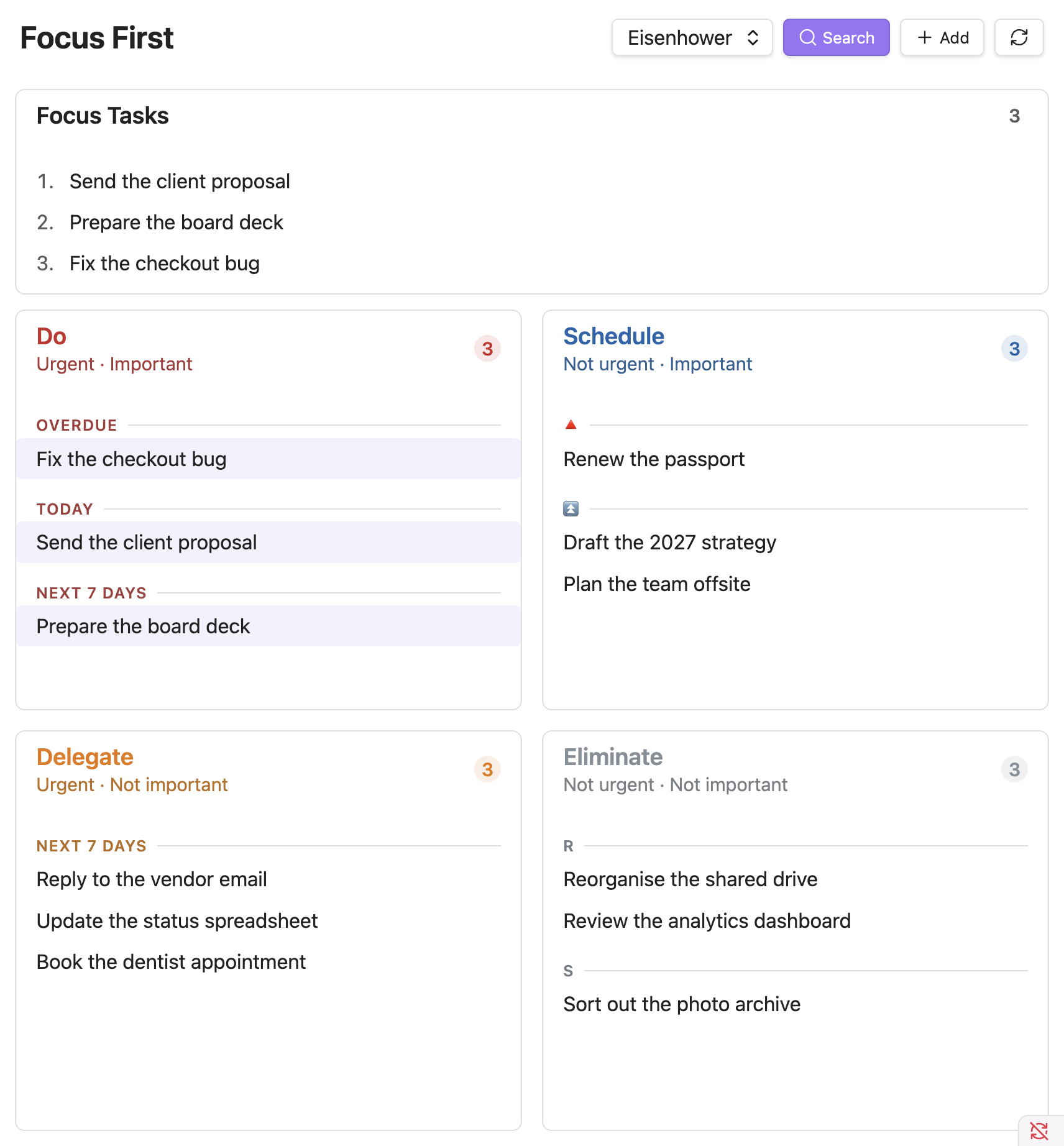
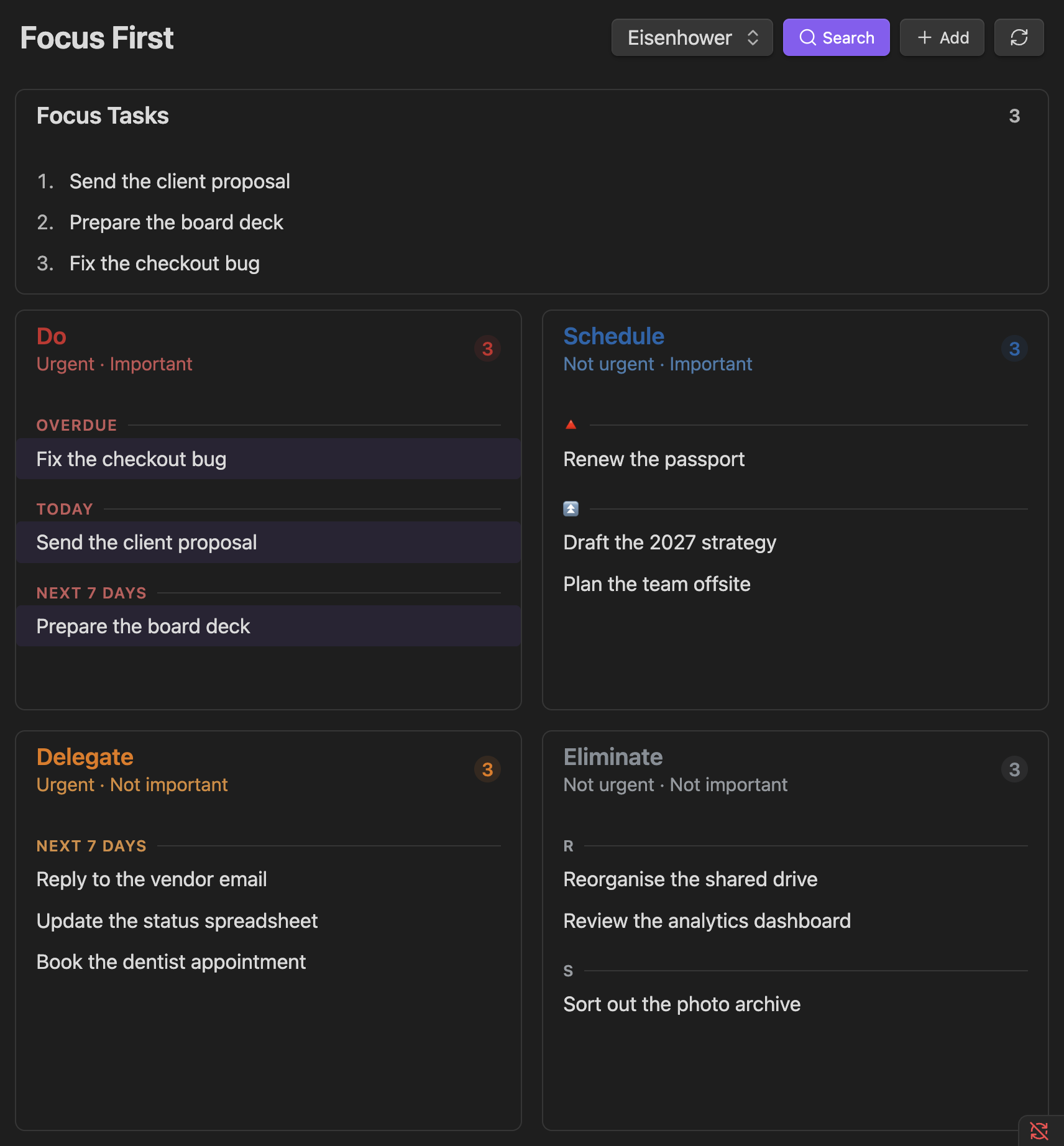
Eisenhower (Urgency × Importance)
The default. Tasks are placed by urgency (due date) and importance (priority) - see How tasks are classified.
Value / Effort
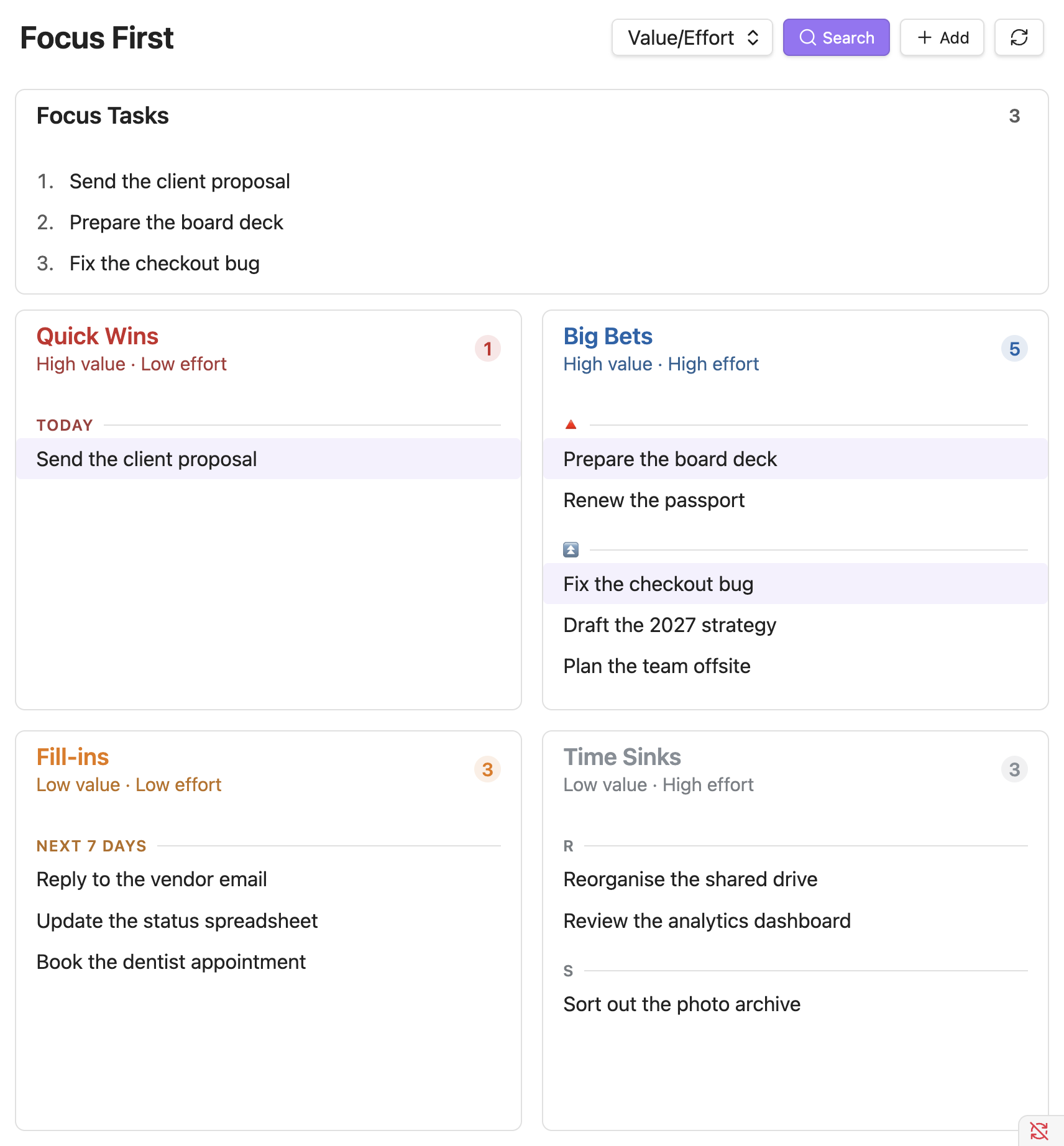
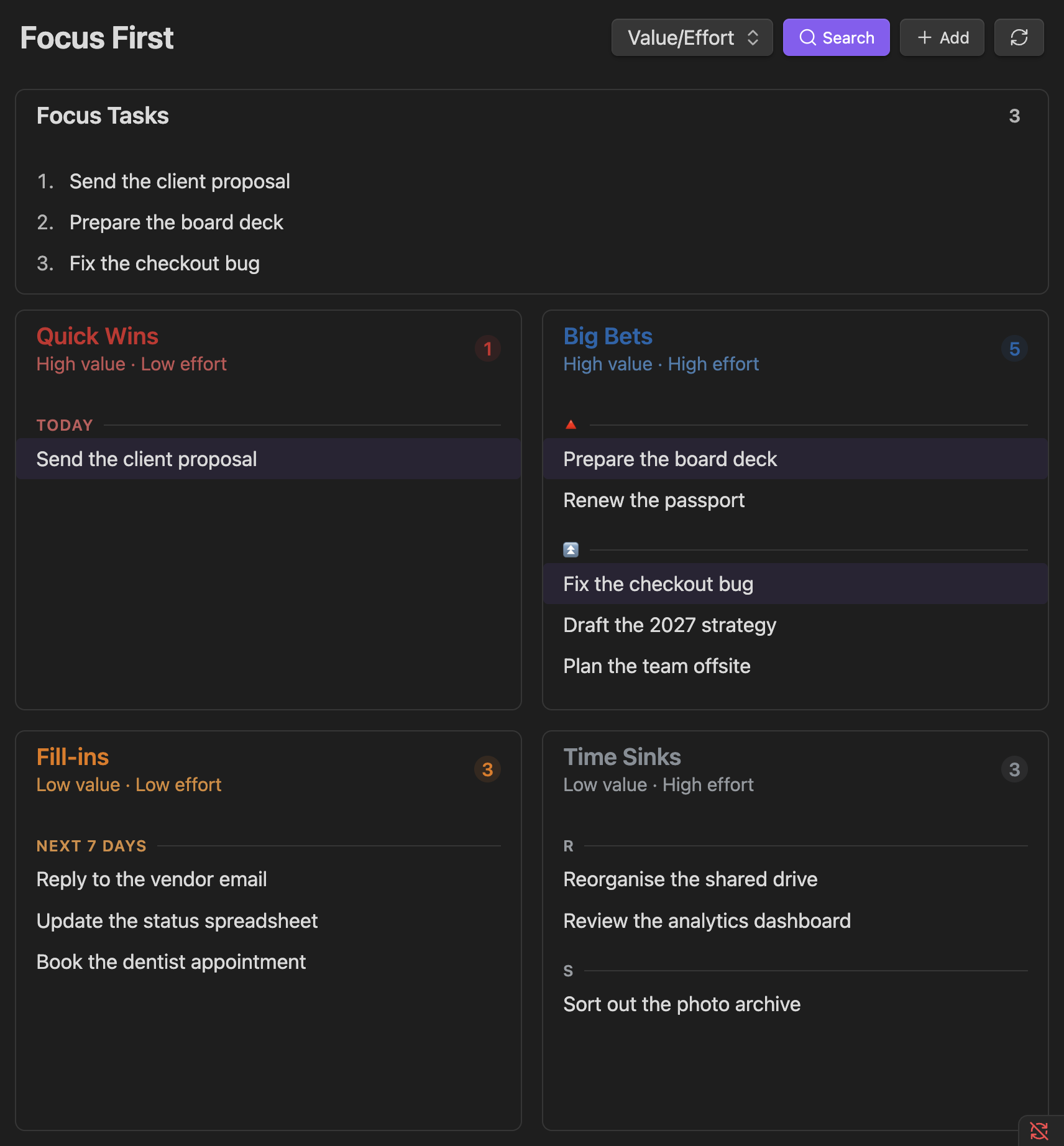
An Impact/Effort-style matrix for deciding where your energy goes.
Value comes from a configurable source:
- Priority (default) - value = importance, a zero-extra-input proxy.
- Manual tag only - value comes purely from a
#highvaluetag.
An override tag (#highvalue / #lowvalue, configurable) always wins, in either mode. Due date is deliberately never a value source - that is urgency, not value.
Effort comes from task size: the sizes you mark as "low effort" (default: small) count as low effort; un-sized tasks count as high effort, so they never masquerade as quick wins.
TIP
Dragging a task onto a Value/Effort quadrant re-classifies it by writing both axes at once - the value override tag and the size tag for the target effort.
You configure the value source, the override tags, and the low-effort sizes under Settings → Value / Effort.