
Focus, size & filters
Focus tasks / today plan
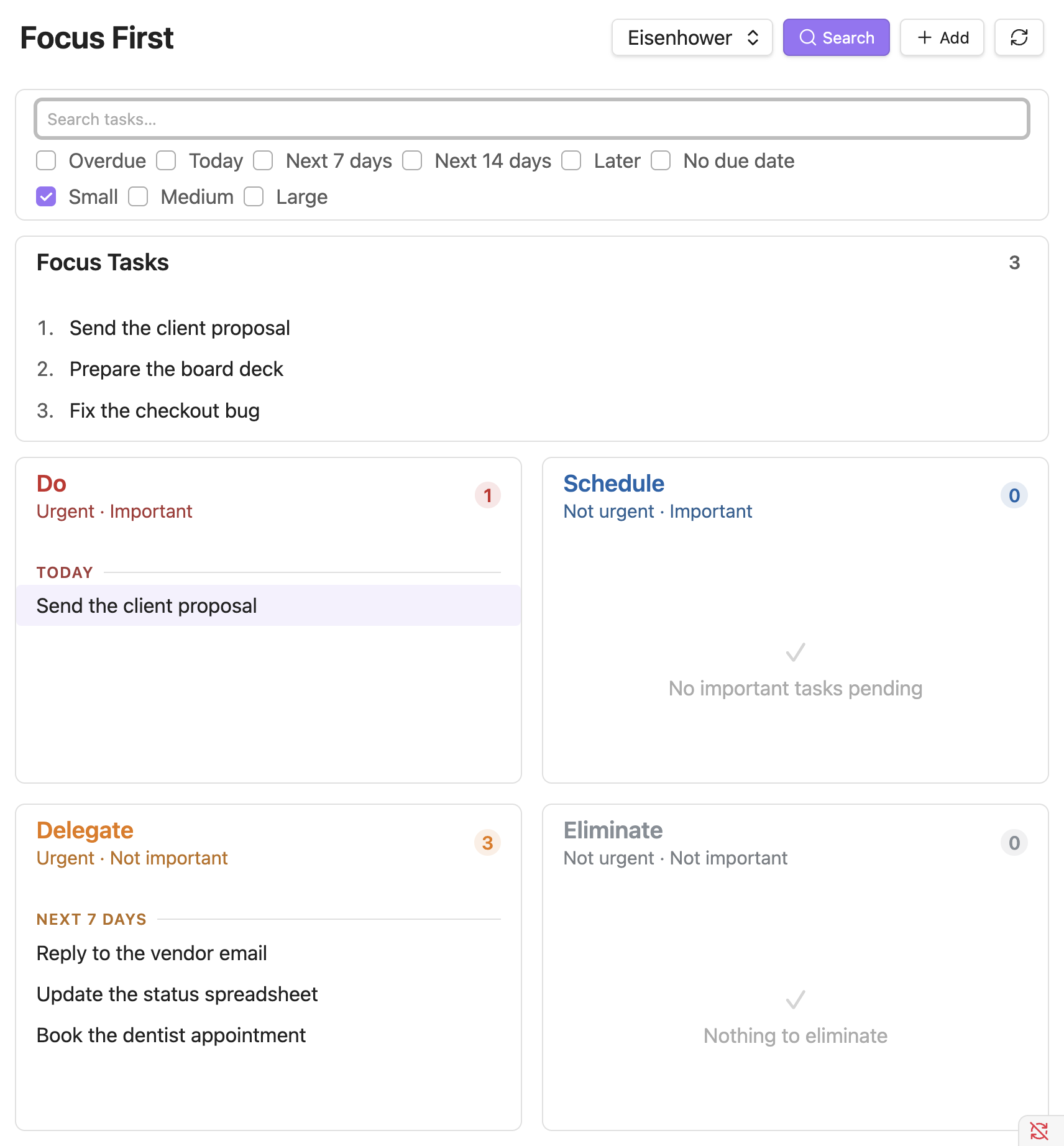
Tag a task with #focus to pin it in a dedicated section above the matrix, so your top priorities never get buried. The section is an ordered, numbered shortlist (most important first, so #1 is your "frog"), which supports daily-planning methods like Eat the Frog, Ivy Lee, and MITs.
What are those methods?
See Daily-planning methods for what Eat the Frog, Ivy Lee, and MITs are and how to run each from this list.
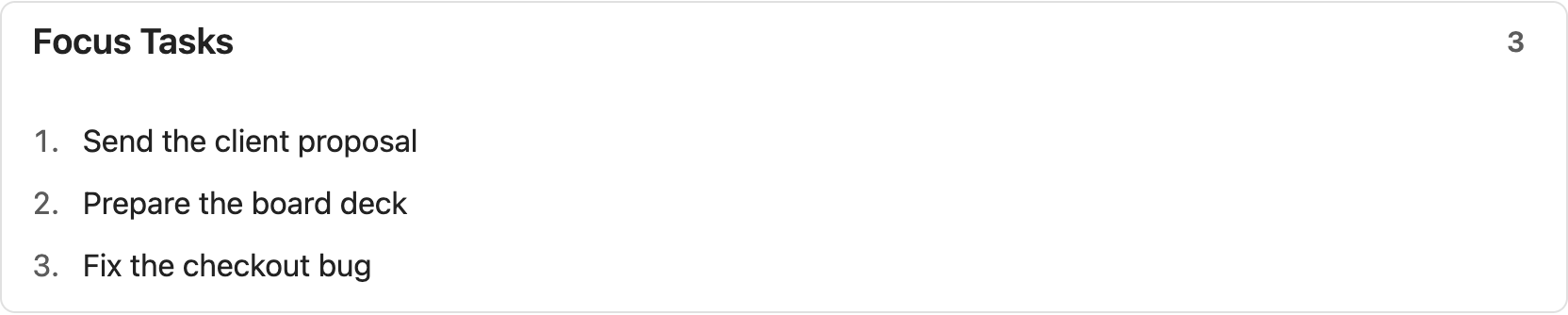
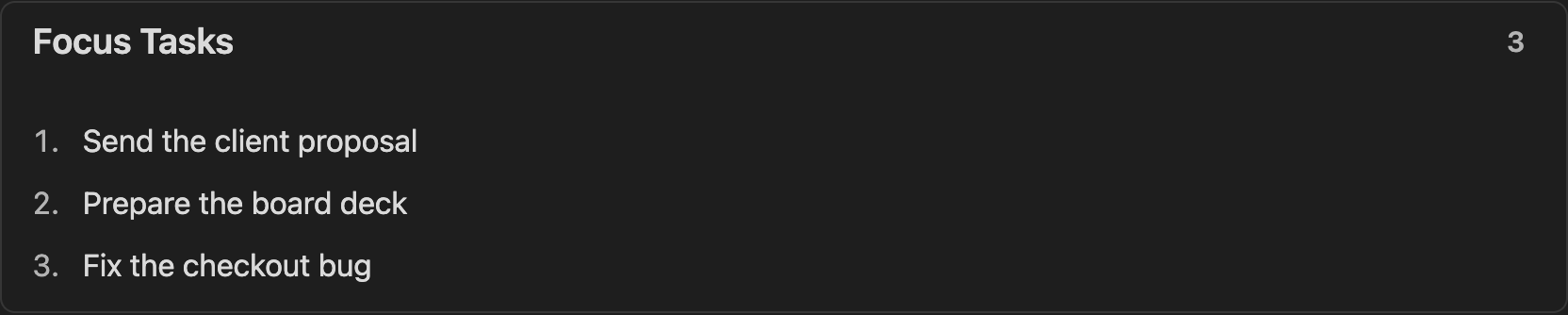
- Drag focus tasks to reorder them by hand (your manual order is remembered), or leave them in the automatic importance order.
- Set an optional daily target (e.g. 6 or 3) and a subtle line marks where the list runs past it.
Task size
Mark how big a task is with an open, configurable tag (default #s / #m / #l for small / medium / large) - set or clear it from the task's popover, no minute estimates. The size is a plain tag, so Dataview or the Tasks plugin can read it too.
Task size powers two things: the quick-wins size filter (below) and the effort axis of the Value/Effort matrix.
Search & filters
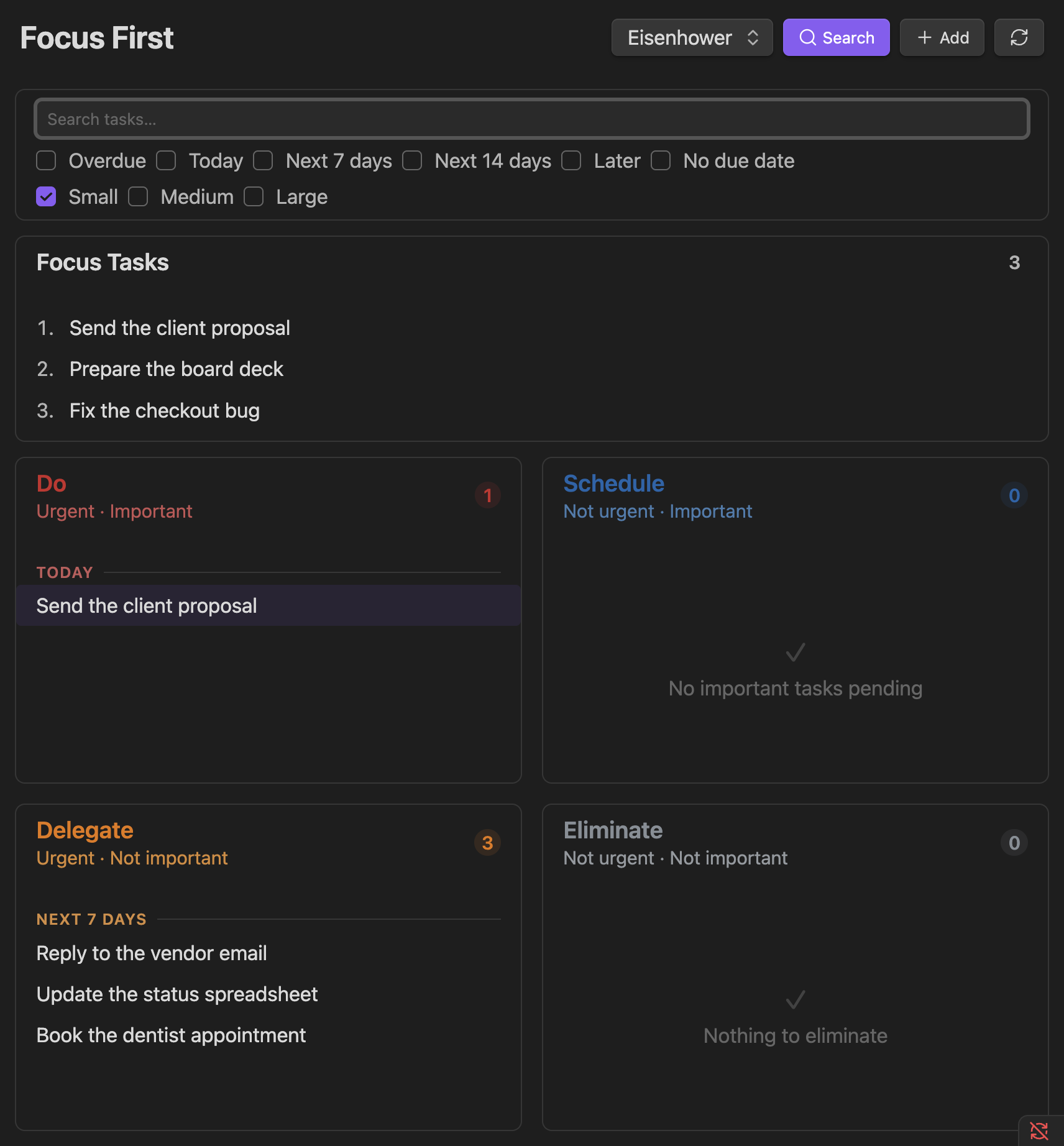
The search bar is tucked behind a search icon in the header, so it only takes up space when you need it. Open it to:
- Search across all visible tasks.
- Filter by due-date bucket: overdue, today, next 7 days, next 14 days, later, no due date. The windows roll from today rather than following the calendar week, so "next 7 days" always means the seven days ahead of you, whichever day you look.
- Filter by task size (small / medium / large) - checking just Small is the "quick wins" lens for when you have a small gap.
On mobile
The row collapses to just the title; tap it to reveal the due date, priority, size, and actions. Filtering is trimmed to the text search.
Hide & snooze tasks
Tag a task with #hide (or use the hide button) to remove it from the matrix without completing it. Hide it indefinitely, or hide until a date (tomorrow, next week, next Monday) - the task disappears now and comes back on its own when the date arrives. Under the hood, "hide until" just adds a start date (🛫), so it's the same mechanism, not a separate one.
Future tasks
Tasks with a start (🛫) or scheduled (⏳) date still in the future aren't actionable yet; choose to show, dim, or hide them until their date arrives.
Undo
Every row action (complete, focus, hide, postpone, change priority) and every drag-and-drop shows a brief Undo toast.